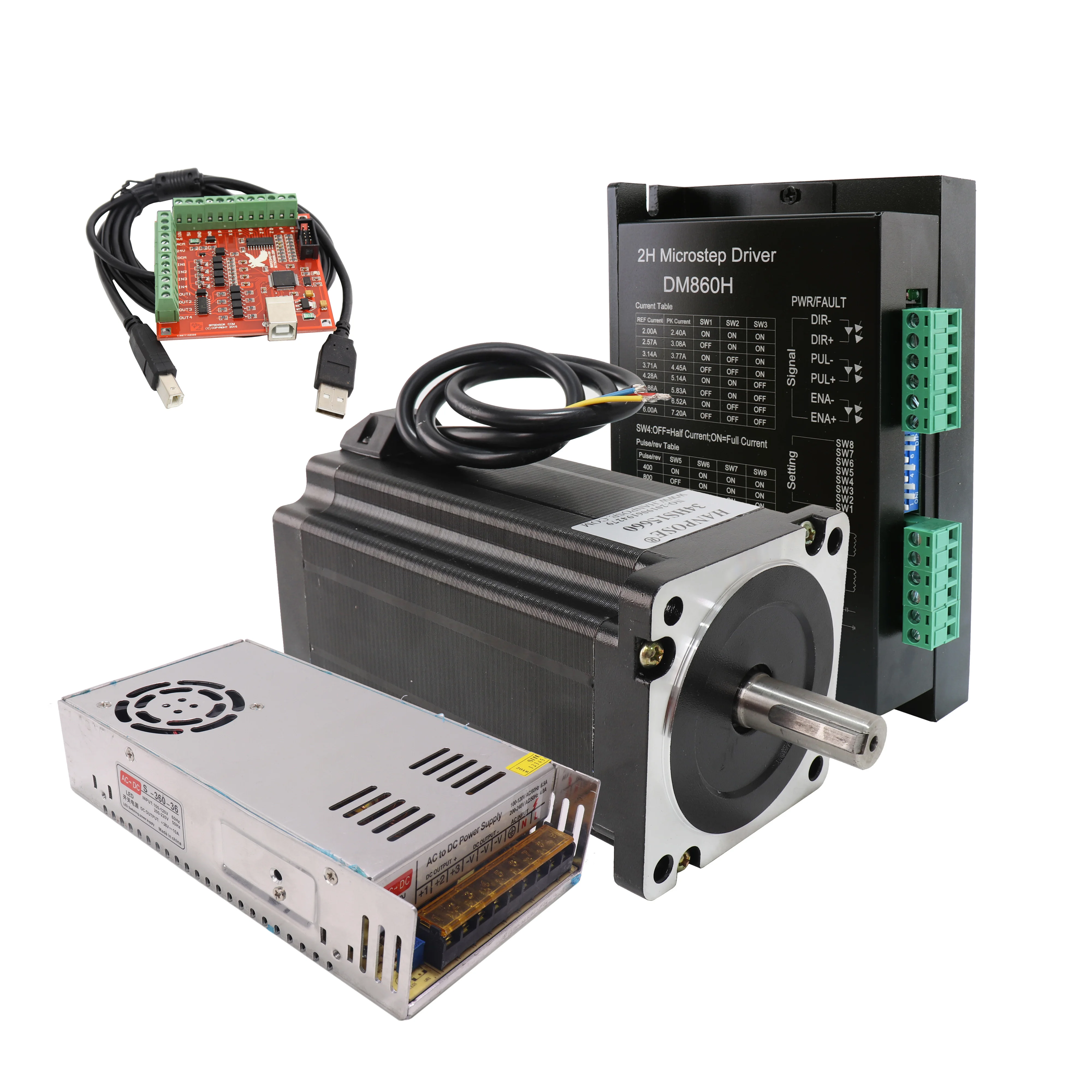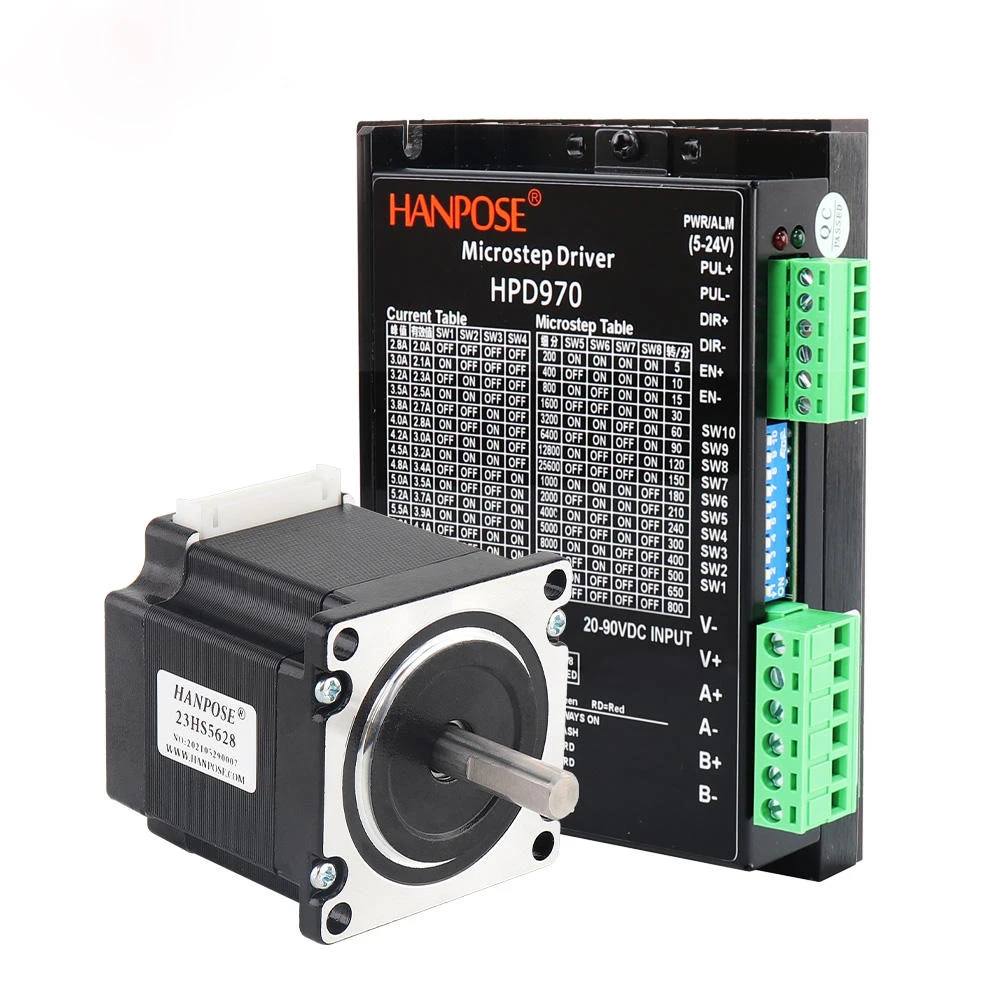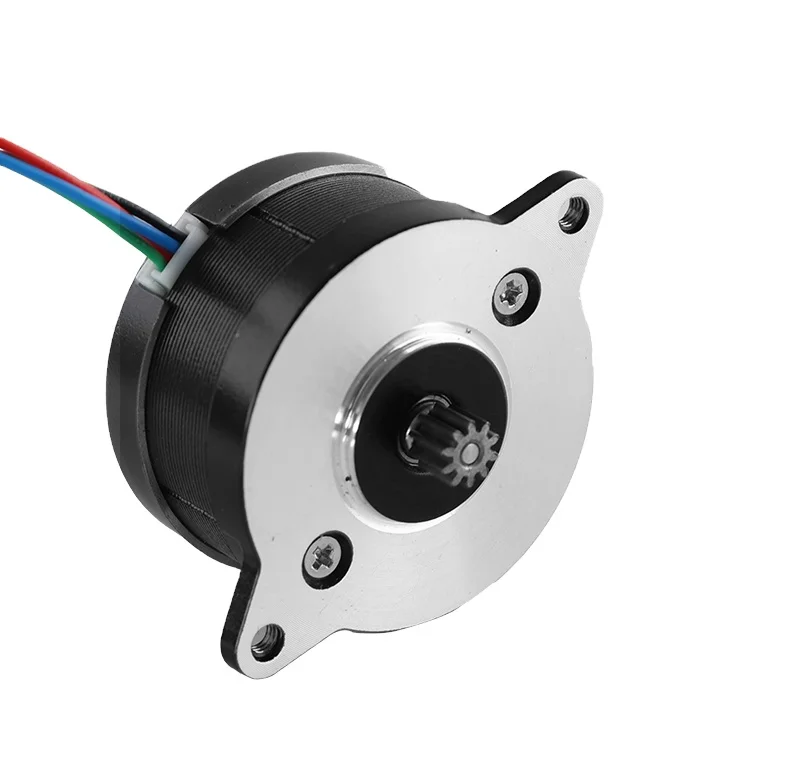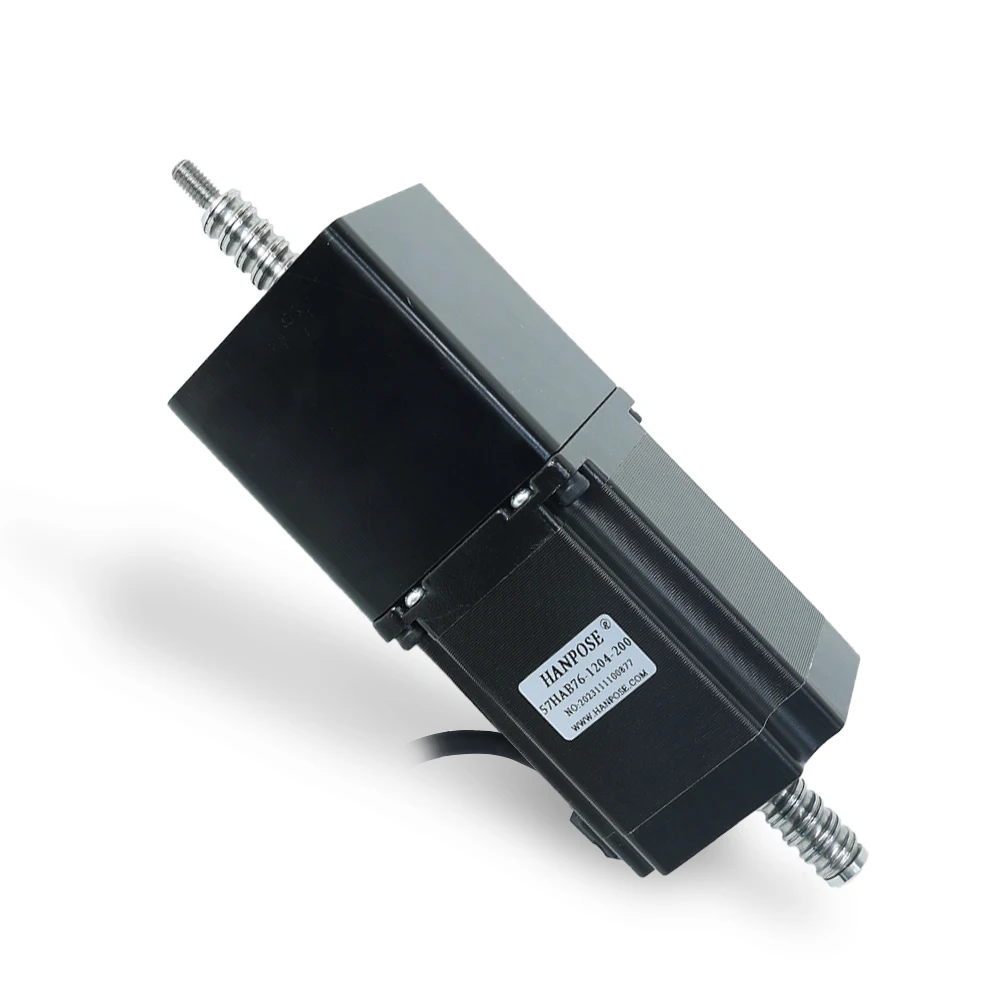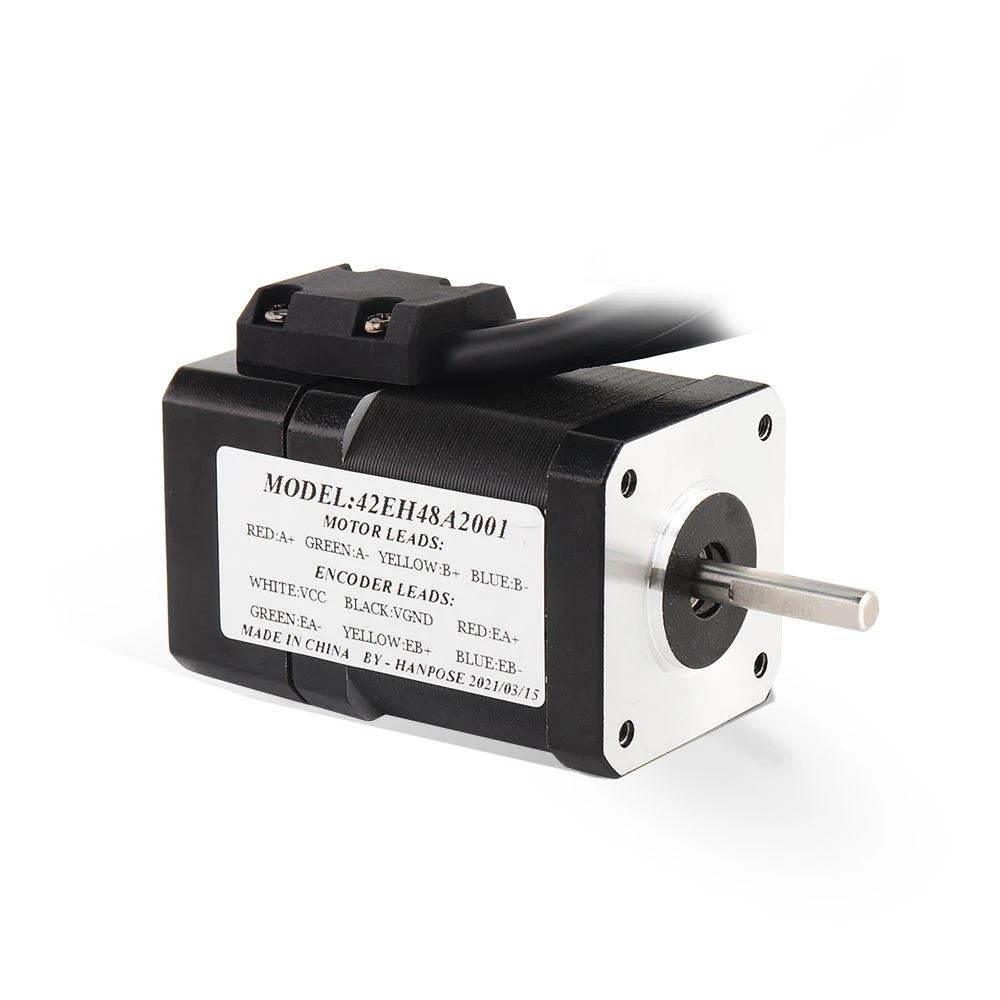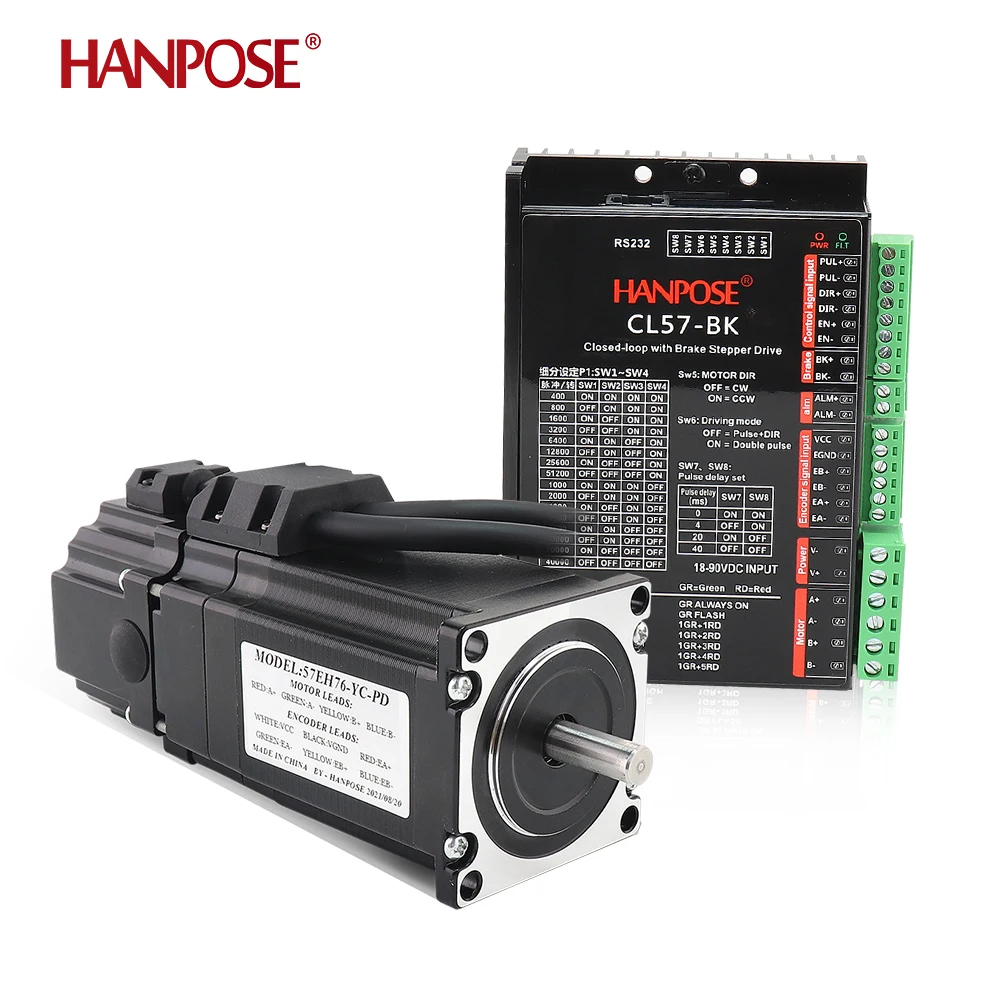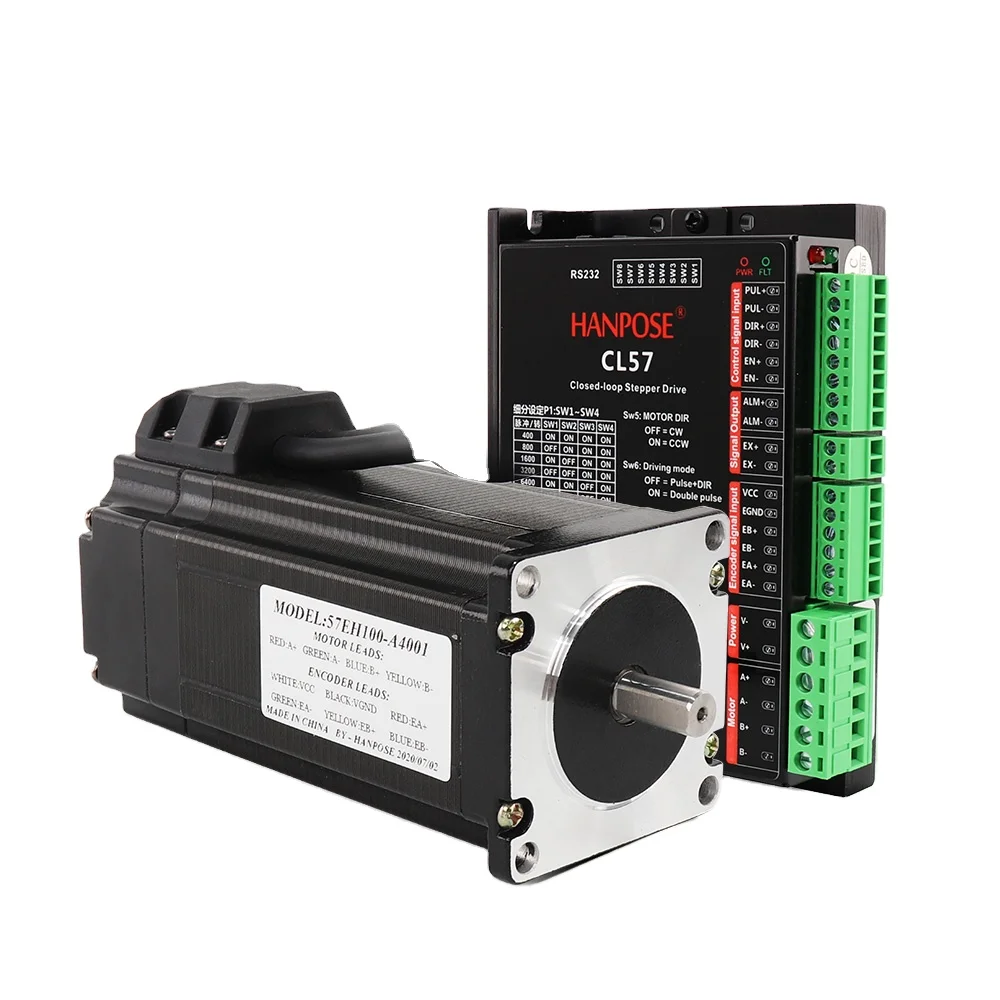
Servo motors are a special type of motor that can move to a particular position when a control signal is provided. A servo motor driver is kind of like a gaffer who makes sure the servo motor does his job. Now we can make the AC Servo Motor move exactly how we want it with an Arduino programming, which is a tasks for small computer that be used to press a button on the servo motor driver to output a detailed signal.
To drive a servo motor with an Arduino driver, we need to connect the servo motor to the driver and then connect the driver to the Arduino. After that, we will program in the Arduino software to instruct the servo motor driver to move a how far and how fast. After uploading our program to the Arduino, our servo motor should now move based on the commands we’ve given it.
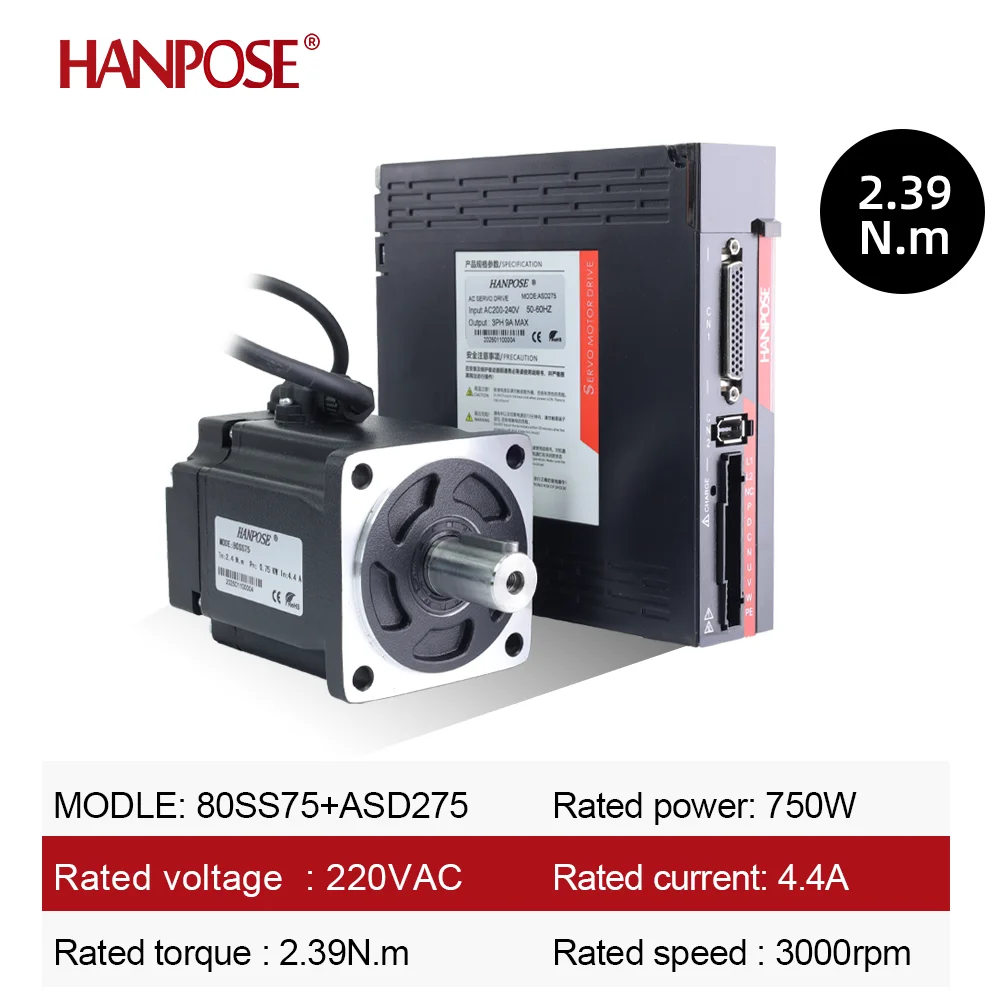
If you would like to ensure your servo motor moves smoothly and accurately, try those suggestions below. Take care to pick the power for the Servo Motor from the arduino, separately to prevent electric noise. The correct code that controls the servo is i run it double check your connections There is nothing that can go wrong and you can easily spot it where it is misplaced. Use these tips and you will be able to get your servo motor to work every time.
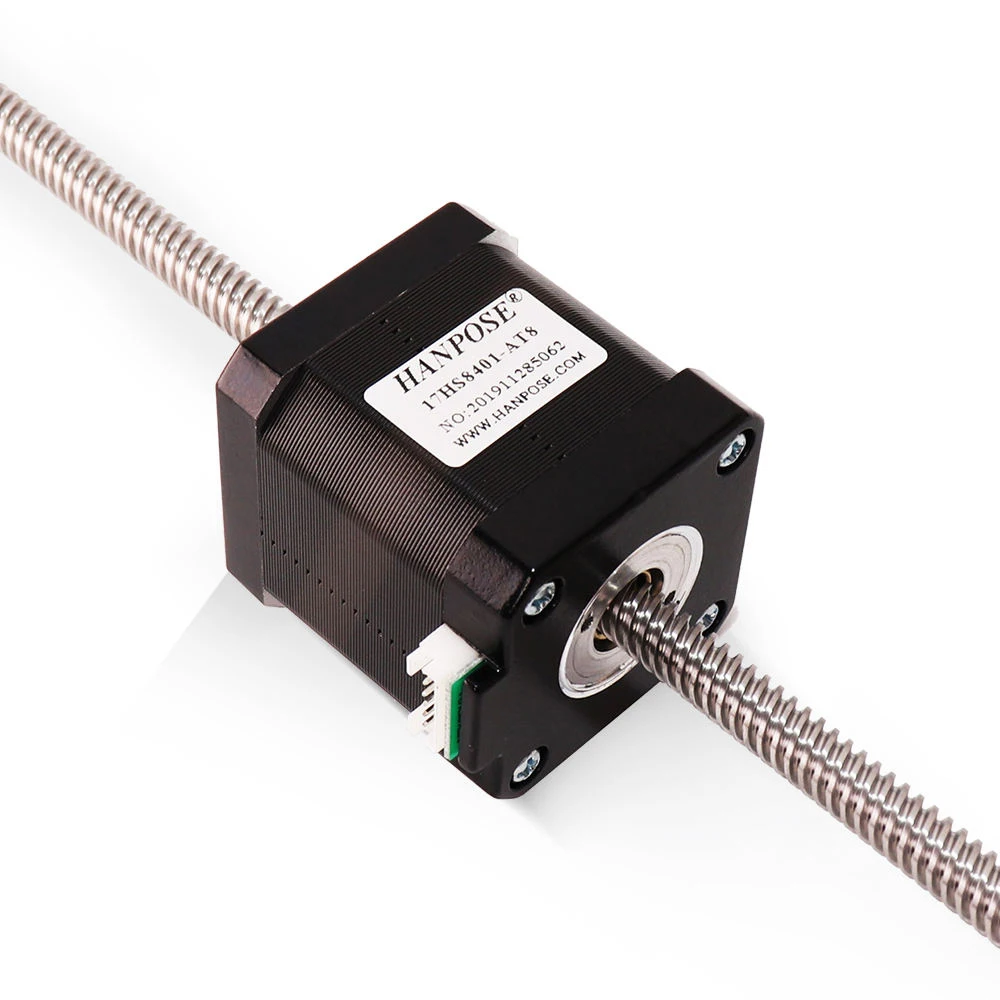
But did you know you can get the servo motor to do more than just sweep backwards and forwards? Using Arduino to drive the servo motor FS5106R, such as keeping the servo motor rotating, or making it move in a specified angle range, accommodates all your needs! You can have lots of fun and with little effort you can produce some truly awesome projects by utilising some advanced features of a servo motor driver, directly from an arduino.
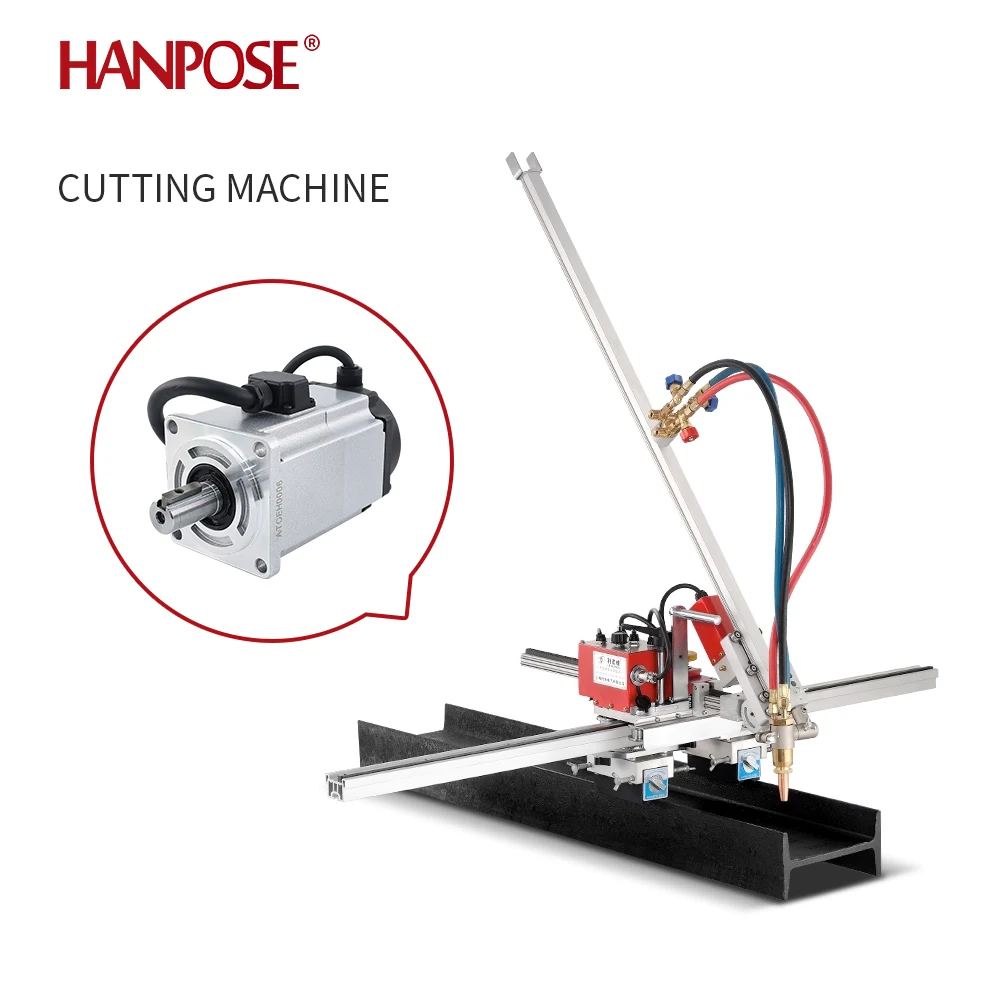
So, occasionally, I need to tinker a bit when it comes to using Arduino with Brake Servo Motor drivers. If the servo motor is failing to move, please make sure your connections are secure. If the issue remains, check the code and see if that resolves the issue. For any problem, feel free to reach us, the HANPOSE customer service is 24/7 available.
Welcome to HANPOSE, stepper motor manufacturing plant in China! We provide comprehensive motor models, new technology development. motor application broader
Contact Person: Wendy
Baiyun District, Guangzhou City, Guangdong Province, China
Copyright © Guangzhou HANPOSE 3D Technology Co., Ltd. All Rights Reserved Privacy Policy Blog
 EN
EN