
Hey there! In this article, we'll talk about the TB6600 driver from HANPOSE. If you’re new to this driver, you’re in the right spot! We’ll walk you through everything you need to know to get started, set it up right and trouble shoot problems that you might find along the way.
The TB6600 driver is a critical component for stepper motor control. It control how much power and voltage the motor gets, to move accurate and smooth. Before you use the TB6600 driver, please read the instruction carefully. It will give you very helpful information on how to hook up the driver to your stepper motor and other aspects.
Installing the TB6600 driver is a key part of your journey to get your stepper motor up and running! Begin by wiring the driver to your motor, power supply, and controller as shown on the wiring diagram. Once it’s all connected, you’ll have to tune the driver to your motor’s specs. This includes tuning the dip switches and trim pots on the driver to set things like current, microstepping and others. Note, You need to follow the calibration steps correctly so that you don’t damage your motor and driver.
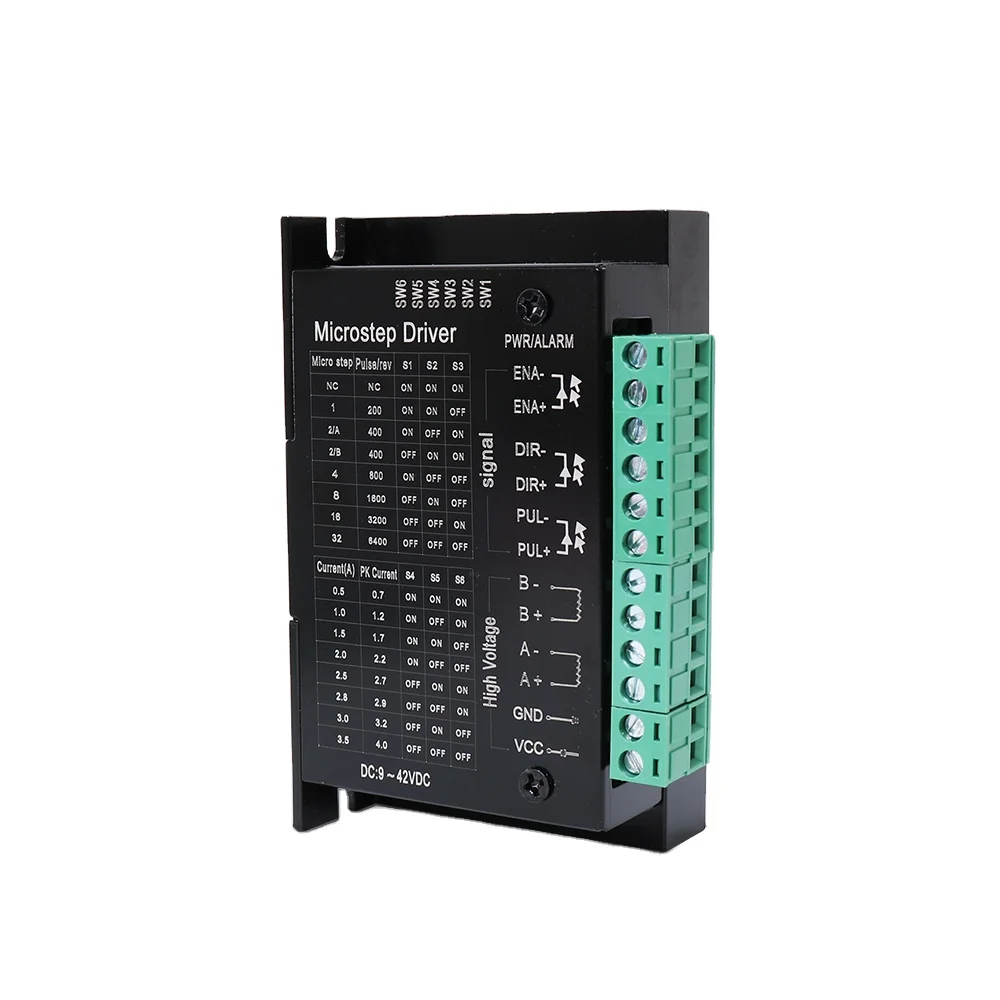
Common Mistakes (Sometimes my mircosteps will not hold a position): Run through this Troubleshooting guideQUENCY: The 25kHz is unusual but the driver seems to handle it though.
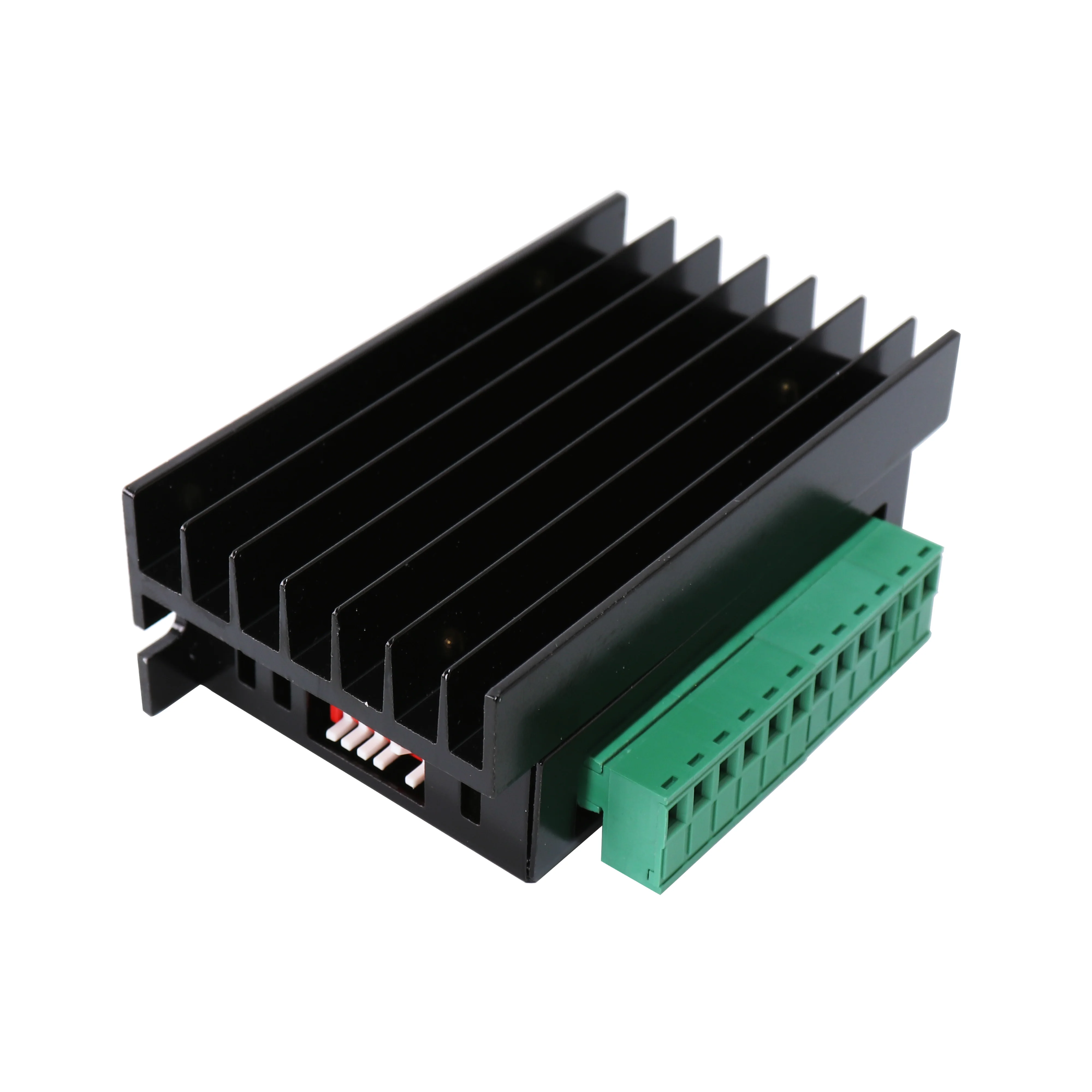
On occasions it is also possible that you do not achieve the expected outcome when connecting the TB6600 driver. If you have any problems, such as motor stuck, heat or uncontrollable moving, don't worry! Then there are also certain issues you can troubleshoot while facing them. Verify all secure connections and wires. Ensure that the driver is receiving the proper voltage and current from the power supply. If the motor is still out of order, you may want to change configurations of the driver or faulty gadgets.
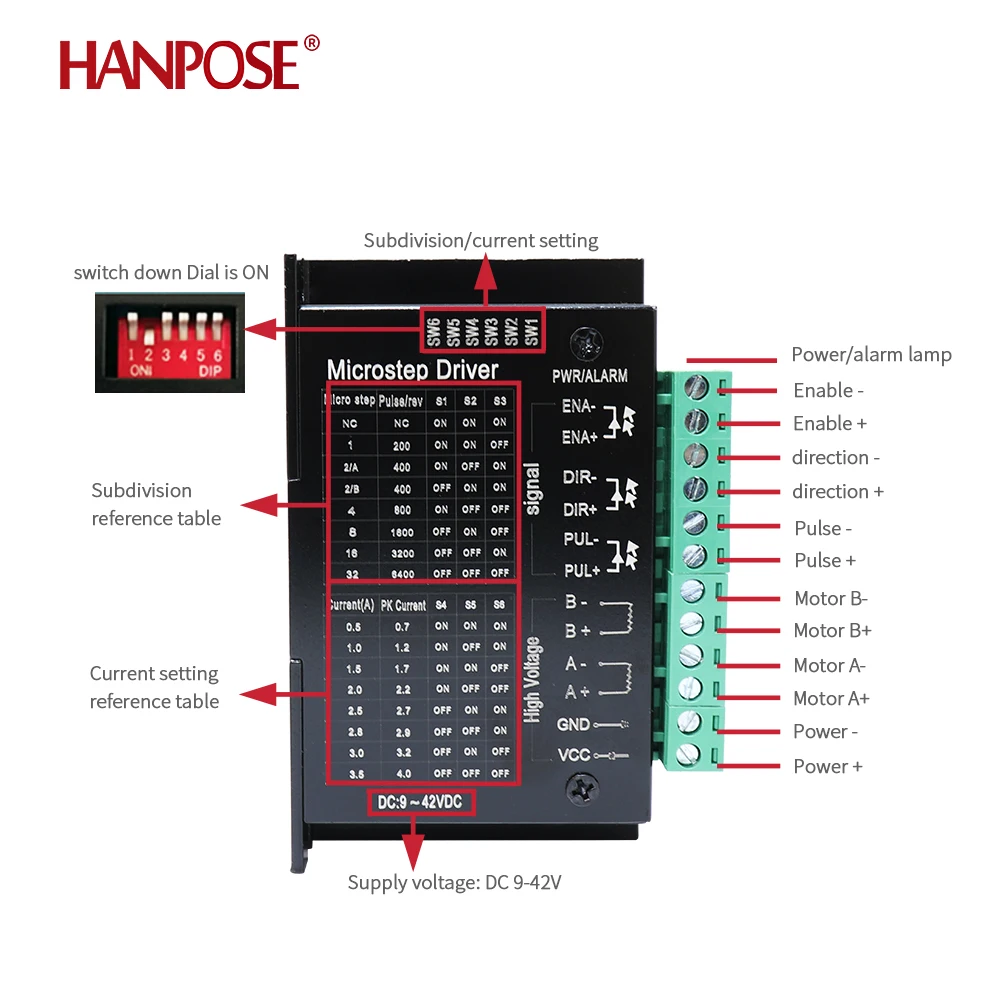
Make sure all connections are done properly before plugging the driver in ( to avoid short circuit, do not operate until the driver power on).
Welcome to HANPOSE, stepper motor manufacturing plant in China! We provide comprehensive motor models, new technology development. motor application broader
Contact Person: Wendy
Baiyun District, Guangzhou City, Guangdong Province, China
Copyright © Guangzhou HANPOSE 3D Technology Co., Ltd. All Rights Reserved Privacy Policy Blog
 EN
EN